Guardians of Curious Voices
Today we dive into privacy and safety best practices for kids using voice-enabled learning tools, translating complex guidance into warm, practical steps families can use immediately. Expect real-world anecdotes, simple checklists, and confidence-building ideas that protect childhood curiosity while keeping learning playful, empowered, and secure.
Setting Up Safe Devices from Day One
Create Kid-Ready Profiles
Separate kid profiles minimize exposure to adult content, enable gentler responses, and simplify monitoring. Assign clear age ranges, restrict external purchases, and limit third-party skills. A nine-year-old in one family instantly discovered friendlier explanations and fewer distractions after switching profiles, proving small configuration steps deliver outsized protection.
Tame Always-On Listening
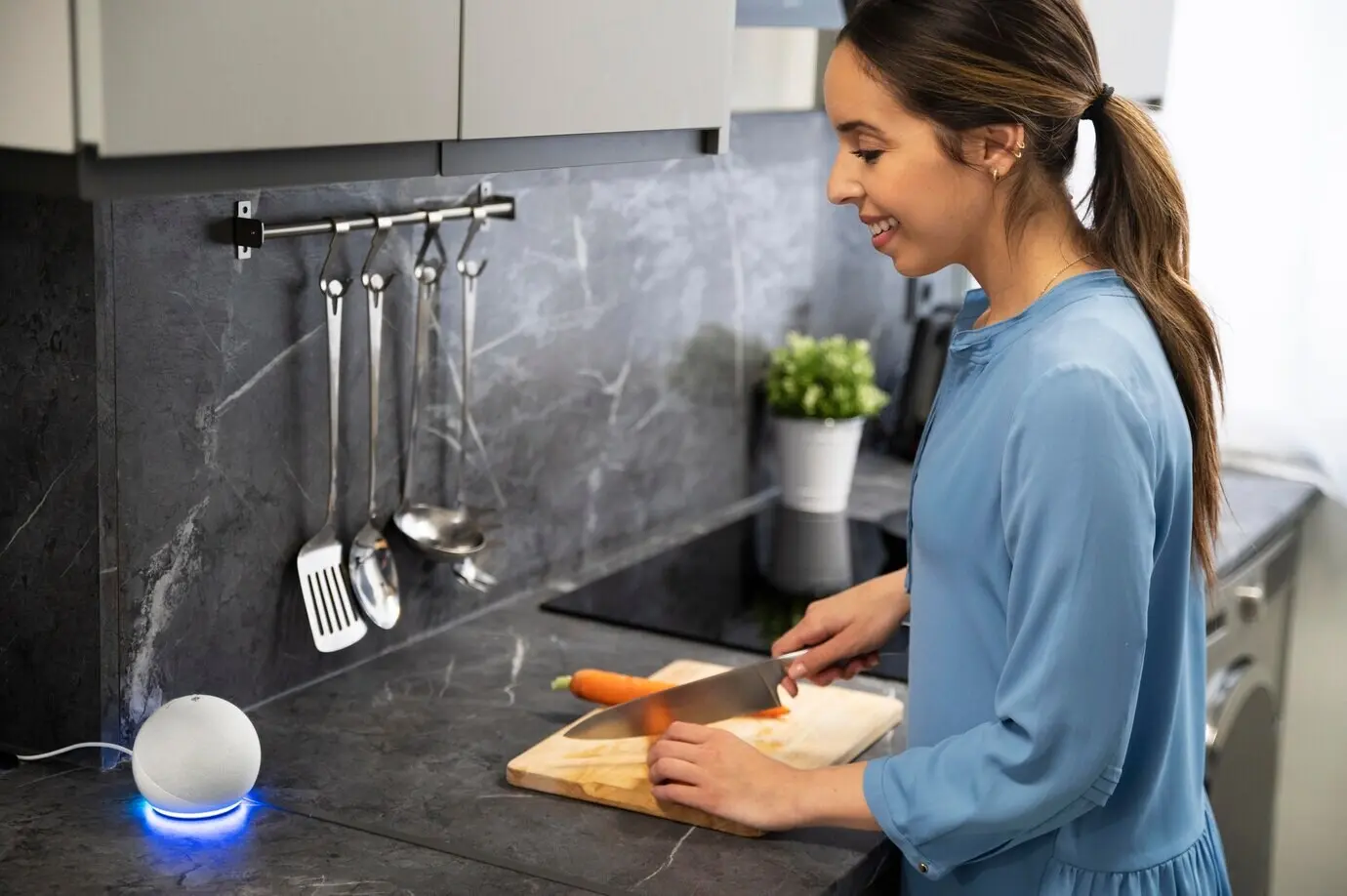
Use hardware mute buttons during playdates, bedtime, and sensitive conversations. Adjust wake-word sensitivity to reduce accidental triggers from cartoons or music. Many parents keep a visible “listening light” policy: if the indicator is on without permission, devices pause. This simple routine helps kids recognize and respect voice boundaries.
Network Hygiene that Protects Learning
Place voice devices on a guest or IoT network with strong encryption and distinct passwords. Disable remote access features you do not need. Schedule automatic firmware updates overnight. These routine habits shrink attack surfaces, ensure patches arrive promptly, and separate kid learning tools from work laptops and home media servers.
Everyday Habits That Protect Little Learners
Daily patterns shape digital safety more than any single switch. Teach kids to pause before speaking, avoid sharing names, addresses, or schools, and ask a trusted adult when unsure. Rehearsed phrases, friendly reminders, and shared family rules transform privacy into second nature rather than a lecture kids forget.
Permission Layers that Actually Work
Use layered safeguards: device-level restrictions, app-level controls, and household profiles. Start conservative, then open features as children demonstrate responsibility. Document your baseline in a note on the fridge. When relatives visit or babysitters help, a clear reference prevents accidental changes that could affect recordings, purchases, or content exposure.
Delete, Download, Decide
Regularly review and delete voice histories. Many platforms allow downloading transcripts, which can prompt thoughtful conversations about what should remain private. Treat each cleanup as a mini workshop: what surprised you, what felt unnecessary, what should be different next time. Ownership over data strengthens confidence and encourages reflective technology use.
Age-Appropriate Skill Curation
Curate voice skills like books on a shelf. Look for education-first design, ad-free experiences, and transparent developer practices. Test each skill yourself, then invite your child to co-review. This shared selection ritual transforms safety from a hidden setting into a collaborative process, building trust, delight, and discernment over time.
Mastering Parental Controls and Data Choices
Parental controls are most powerful when paired with informed data decisions. Learn which features filter content, limit voice recordings, or anonymize interactions. Revisit settings after updates. A quarterly ten-minute checkup can prevent drift from safe defaults while ensuring your child’s learning experience remains joyful, adaptive, and respectful.
Designing Safer Learning Routines with Voice
Routines tame chaos and reduce oversharing. Plan voice-assisted study sessions with timed starts and ends. Mix hands-on activities with short audio prompts, limiting unnecessary chatter. A predictable flow keeps microphones focused on learning tasks, not casual gossip, preserving attention, privacy, and the playful spark that makes discovery feel magical.
Reading Privacy Policies Like a Pro
Scan for who collects data, how long it is kept, and whether it trains models. Prioritize services offering opt-out options and child-specific protections. If explanations feel vague, ask support for clarity. Transparent companies welcome questions, publish change logs, and explain updates before rolling out new features that affect families.
Questions to Ask Vendors and Schools
Ask whether recordings are stored, who can access them, and how breaches are handled. Request data maps for classroom tools, including third parties. Clarify rights to deletion, portability, and consent withdrawal. Encourage partnerships that value children’s dignity, promote inclusivity, and provide clear instructions for parents when settings change unexpectedly.
Turn Misfires into Teachable Moments
When the assistant misunderstands a request, pause and analyze kindly. What words triggered it, and what could be safer phrasing next time? Role-play alternatives and document a few favorites on a sticky note. Transforming frustration into learning builds patience, strengthens privacy instincts, and keeps curiosity shining brightly forward.
Incident Playbook for Families
Create a simple plan: mute the device, note the time, review settings, and delete recent histories. Contact support if needed and record the resolution. Revisit family rules afterward, adjusting any confusing steps. This calm, repeatable routine reduces stress, repairs trust, and shows kids that responsible action beats panic every time.